Business Profile
The details that appear on every call and report.
Your business profile is the identity everything else hangs off — the name spoken on calls, the area you cover, and the details that appear on your reports.
Where to find it
Business Config → Profile. The same details also appear during onboarding when you first set up.
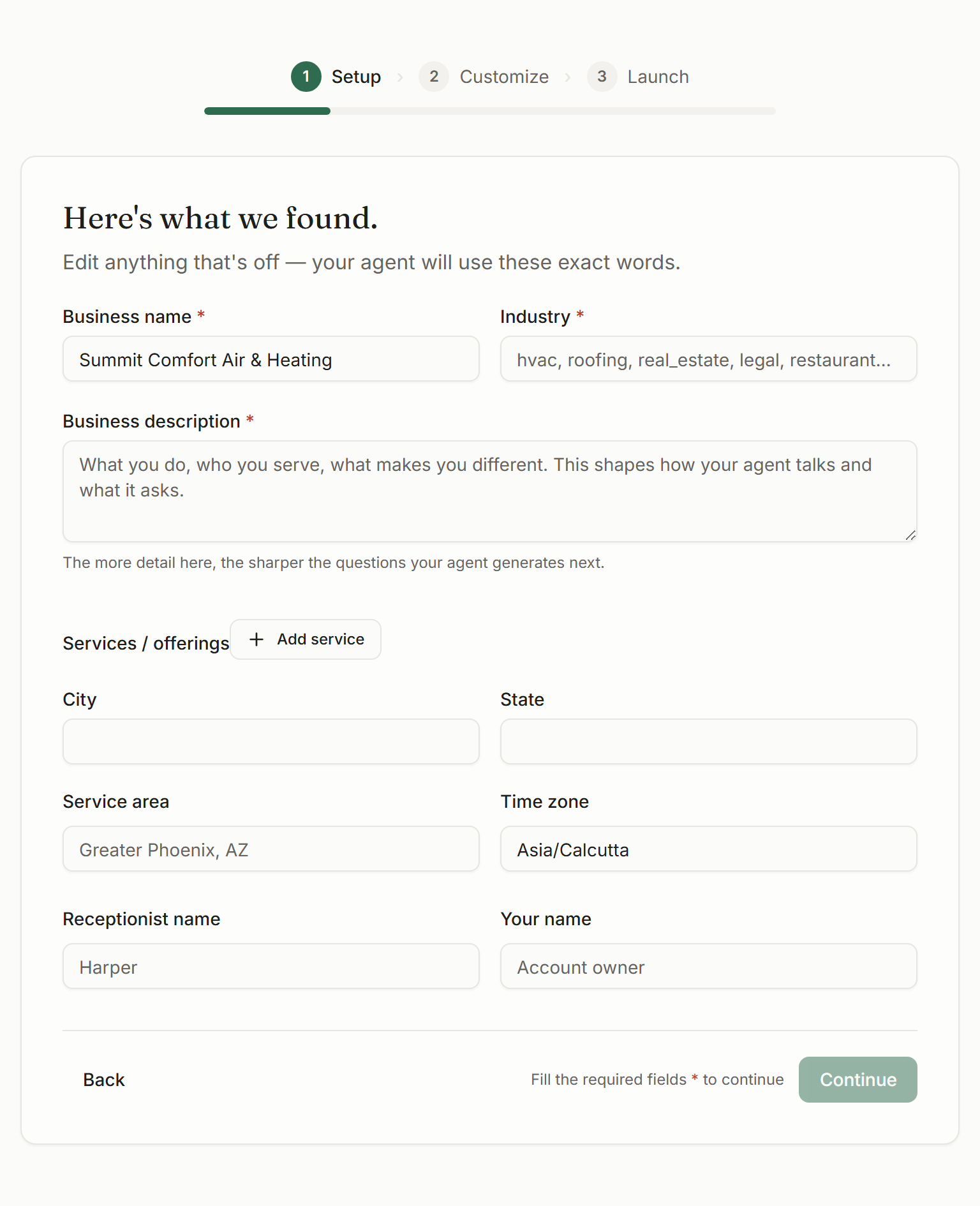
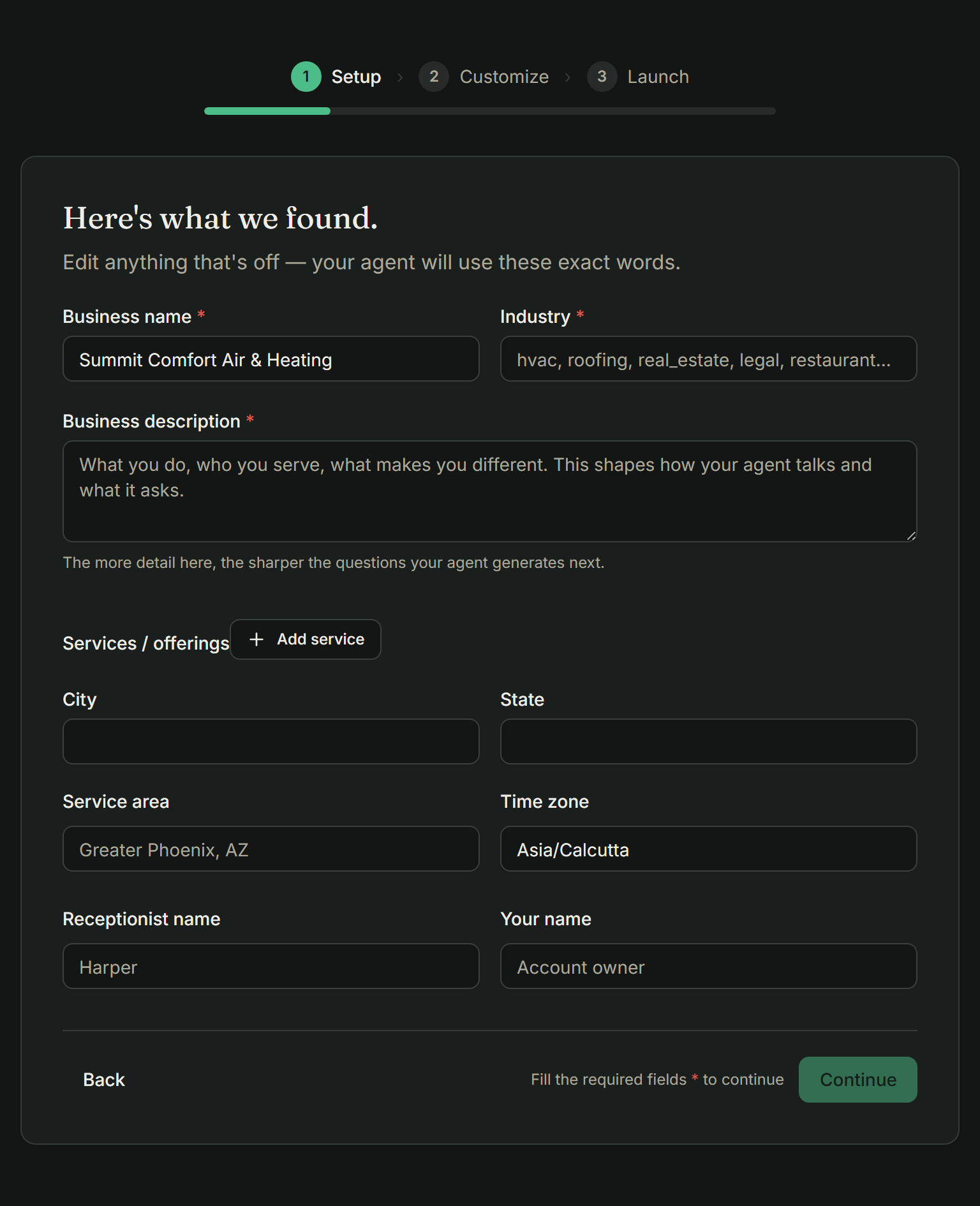
What lives here
- Business name — written the way you say it, because it’s spoken aloud.
- Industry — your trade, which shapes the vocabulary it expects.
- Description — what you do, who you serve, what you don’t take.
- Service area — where you’ll actually drive.
- Time zone, which every hour and every slot depends on.
- Receptionist name — what it calls itself on the phone.
Not decoration
These fields are not decoration. The name is said on every call, the service area decides whether a caller gets booked or politely declined, and the time zone silently controls everything about your availability.
Time zone is the one that bites
What to check first
If you only verify three things on this screen, make them these:
- The time zone matches where you actually work
- The business name sounds right said out loud
- The service area is somewhere you'd genuinely drive on a Tuesday
What happens next
Changes take effect on the next call — there’s no publish step. Ring in afterwards and listen to the greeting; if the name sounds wrong spoken aloud, that’s what your customers have been hearing.
Each location runs as its own business, with its own number, hours and service area. That stops a caller in one town being quoted another branch’s availability.