Call History
Find any past conversation in seconds.
On this page
Conversations lists every call and text your receptionist has handled, newest first. Open one to read its transcript and summary.
Where to find it
Conversations in the left menu. Nothing is deleted on its own, so a call from three months ago is still in the list. A conversation only goes if someone on your account deletes it.
The dashboard says what; this says why
Your dashboard tells you what happened. This is where you find out why. Every improvement you make to your receptionist starts by opening a call here and reading it.
It also helps with disputes. When a customer says they were quoted something different, the transcript shows what your receptionist said.
What each row shows
- Customer
- The caller's name once given, with their number underneath.
- Channel
- Voice or SMS, and whether it was inbound or outbound.
- Outcome
- How it ended: booked, qualified, escalated, opted out and so on.
- Summary
- A shortened summary of the conversation. Hover it to read more.
- Messages
- How many lines the conversation had.
- Estimate
- For a booking, its value from your service price ranges. An estimate, not revenue.
- When
- Date and time, so you can match it to a customer's story.
Finding a specific call
- 1
Pick the channel
The All, Voice and SMS tabs above the list narrow it to calls or texts.
- 2
Use your browser's find for a name or number
The whole history loads on one page, so Ctrl+F (Cmd+F on a Mac) with a phone number or a name jumps straight to the row.
- 3
Otherwise go by date
Customers usually remember roughly when they rang, and the list is newest first.
The numbers at the top
- Conversations
- Calls and texts in the current view.
- Booked
- How many ended in a booking, and what share of all conversations that is.
- Qualify rate
- The share of conversations marked qualified.
- Estimated value
- Booked conversations at your price ranges. It's an estimate, not revenue.
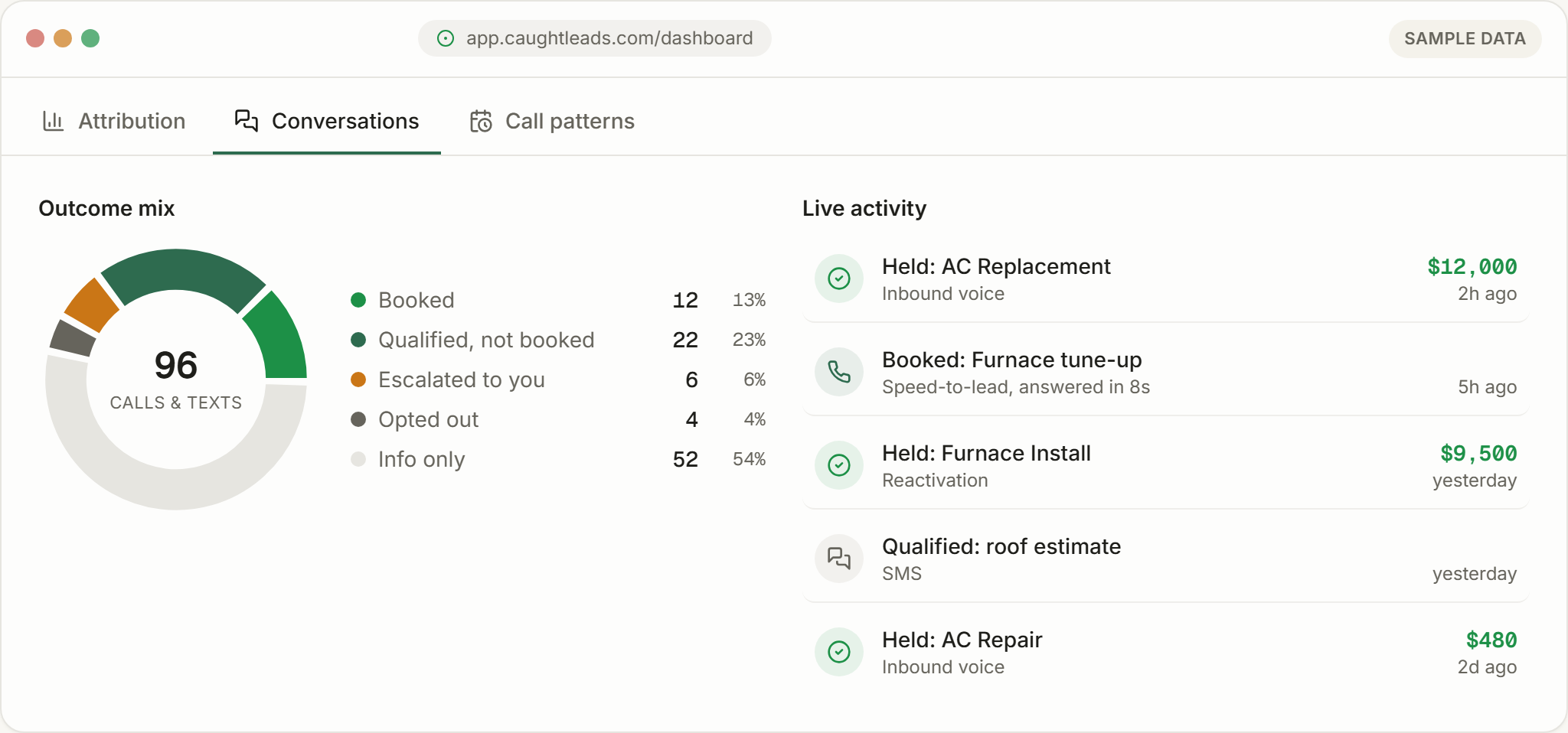
Below them, Outcome mix and Voice vs text show how those conversations ended and which channel they came in on.
A weekly ten minutes
Opening a call
Inside a conversation you get the whole picture:
- The transcript
- Every line of the call, labelled by who said it.
- Captured details
- Name, phone, email, address, the service and a preferred time, where given.
- The booking
- The appointment, if one was made.
- The summary
- What happened, with key points. If it looks thin, Regenerate summary writes it again.
There's no audio
Your history stays available for as long as your account is open, and leads can be exported at any time. If you have a specific retention requirement, tell us and we’ll confirm what applies to you.