After-Hours Calls
Nights, weekends and holidays without an answering service.
On this page
Outside your business hours, your receptionist still answers every call. This page is about what it should do once it has.
The calls a front desk never sees
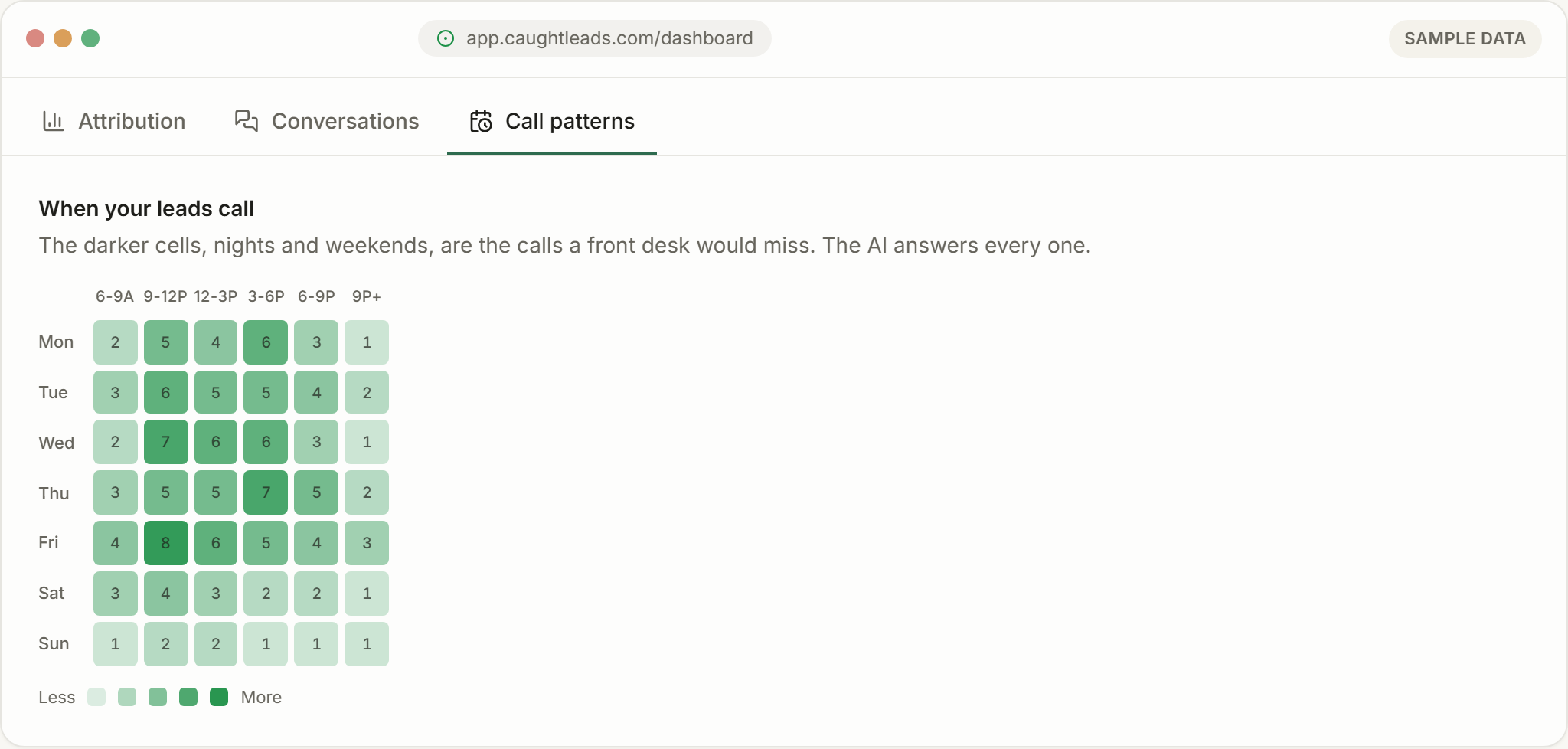
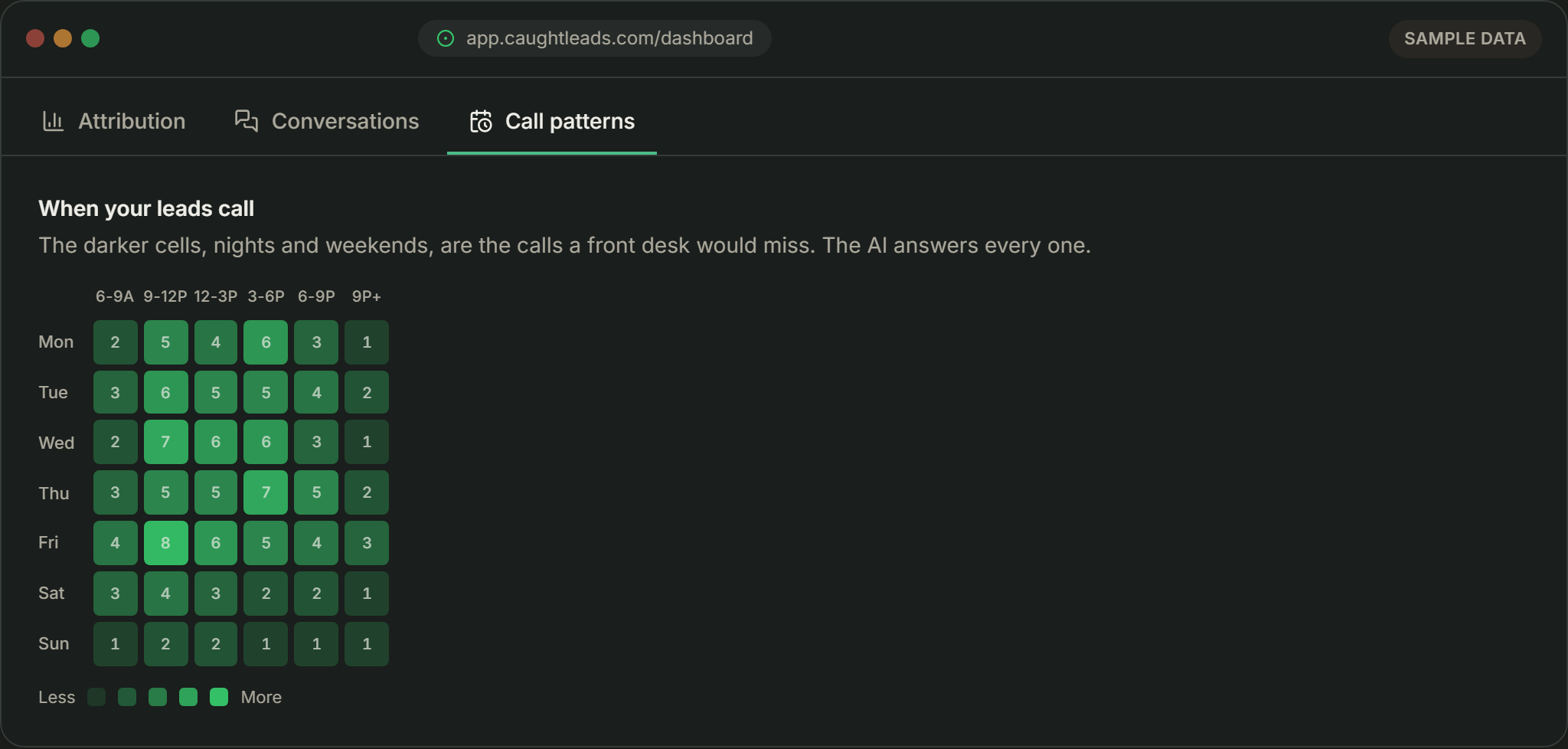
A real share of calls arrive in the evening and at weekends, and they’re disproportionately the urgent, higher-value ones. Those are exactly the calls a traditional front desk loses completely.
What happens by default
With nothing configured, an after-hours caller gets a sensible outcome:
- It answers
- Same as always, with your greeting and the AI disclosure.
- It says you're closed
- Honestly. It never implies someone is sitting there.
- It captures the lead
- Name, number, address and what the job is.
- It books your first open slot
- The next genuinely available time inside your hours.
- It alerts you
- So the lead is on your phone, not waiting until morning.
For most businesses that’s the right behaviour and needs no changes.
Your three options
The default, and right for the large majority of calls. The caller leaves with a firm time; you wake up to a full schedule. Nobody is woken up.
It takes everything and alerts you immediately without promising a time. Use this when you decide case by case whether to go out.
With transfers set to Any time, a caller who asks for a person rings your alert number, day or night, and is put through if whoever answers says yes. A caller reporting a gas smell, carbon monoxide or fire is never transferred: they’re told to leave and call 911.
Don't transfer everything to your mobile
Setting it up
- 1
Get your hours and time zone right
Everything after-hours keys off these. A wrong time zone means after-hours rules fire at the wrong times of day.
- 2
Define what counts as an emergency
Be specific in Services: “no heat below freezing”, “active leak”, “no hot water”. Vague words like “urgent” get used by everyone who calls. You don’t need to list gas, carbon monoxide or fire: those always get the safety instructions, whatever you set.
- 3
Say what after-hours costs
If out-of-hours carries a premium, put it in Services so the caller hears it on the call rather than on the invoice.
- 4
Point alerts at the right phone
In Owner alerts. If someone else is on call at weekends, send after-hours alerts to them.
Emergencies
Whatever you decide, decide it explicitly. The worst outcome is a genuinely urgent caller being treated as routine.
A cold Sunday night, handled well
Sample call
Notice what it did: asked the question that determines urgency, then escalated on the answer rather than on the caller’s tone.
Say so plainly. Your receptionist can tell the caller you don’t take emergency call-outs and that someone will call at 7am. An honest no beats a promise you can’t keep.