How It Learns Your Business
The three layers of what your receptionist knows.
On this page
People expect this to involve training an AI. It doesn’t. Your receptionist reads what you’ve written down about your business, every time it answers, and nothing else.
Change something and the next caller hears the new version. There’s no retraining period and no waiting.
Three layers
What it knows comes from three places, and they do different jobs.
Layer 1 — your business facts
The plain, checkable details. Your name, trade, service area, hours, the jobs you take, what they cost, and answers to questions customers ask constantly.
This is Business Config, and for most businesses it’s 90% of the work. If a caller can ask it, and the answer is always the same, it belongs here.
Layer 2 — how it runs a call
Not what it knows, but how it behaves. Which questions it asks and in what order, who counts as a good fit, what it must collect before hanging up, how to answer someone pushing back on price, when to fetch a human.
This is the part the setup wizard drafts for you, and the part worth editing after you’ve heard a few real calls.
Layer 3 — your documents
For anything too long to type into a form. A full price list, a warranty policy, a list of the postcodes you cover, a manufacturer spec sheet.
You upload the file once. When a caller asks something it covers, the relevant passage is pulled out and used to answer. See Knowledge Base.
What the setup wizard already wrote for you
During onboarding you described your business in a few sentences. From that, a first draft of Layer 2 was written for you rather than left blank.
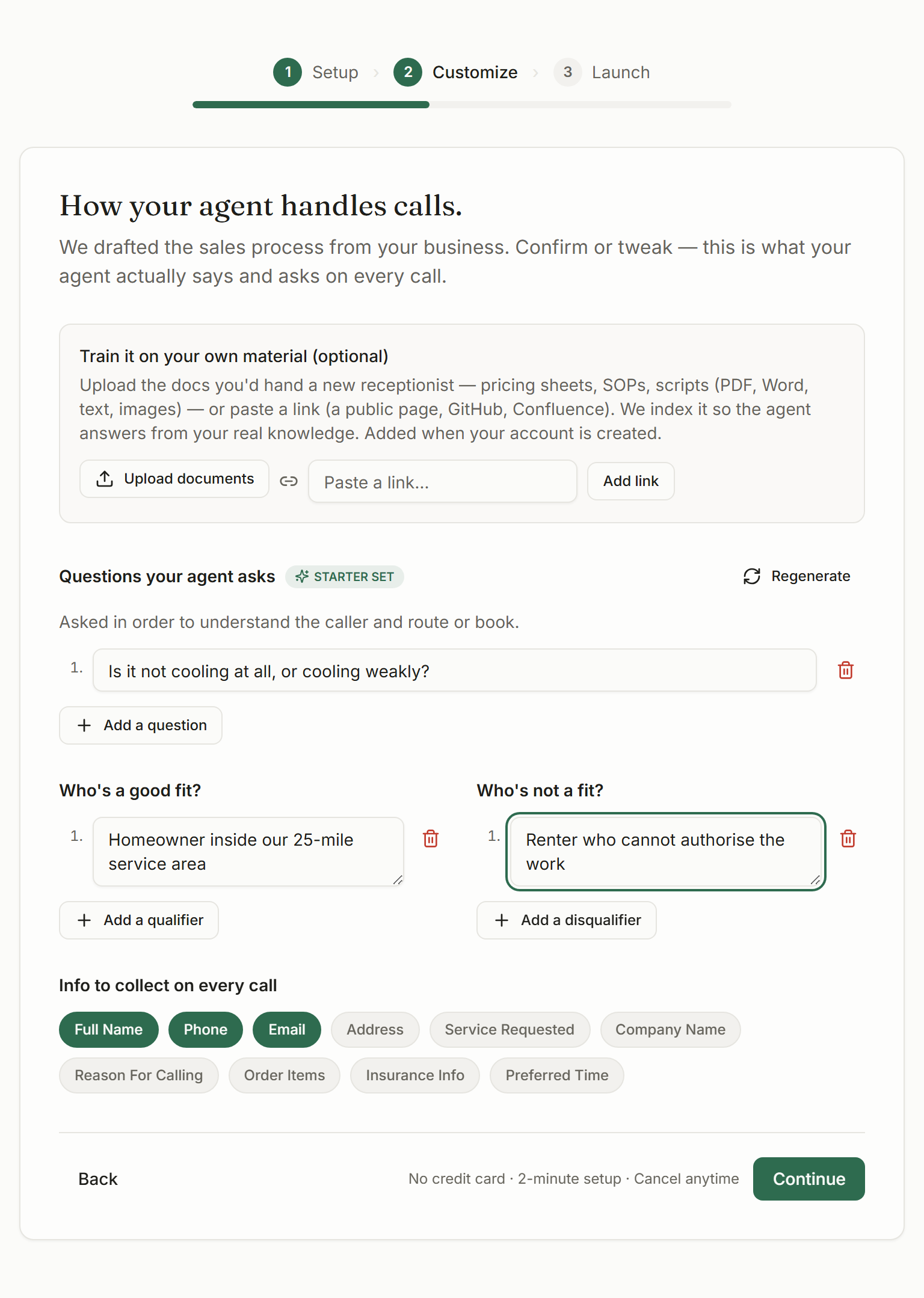
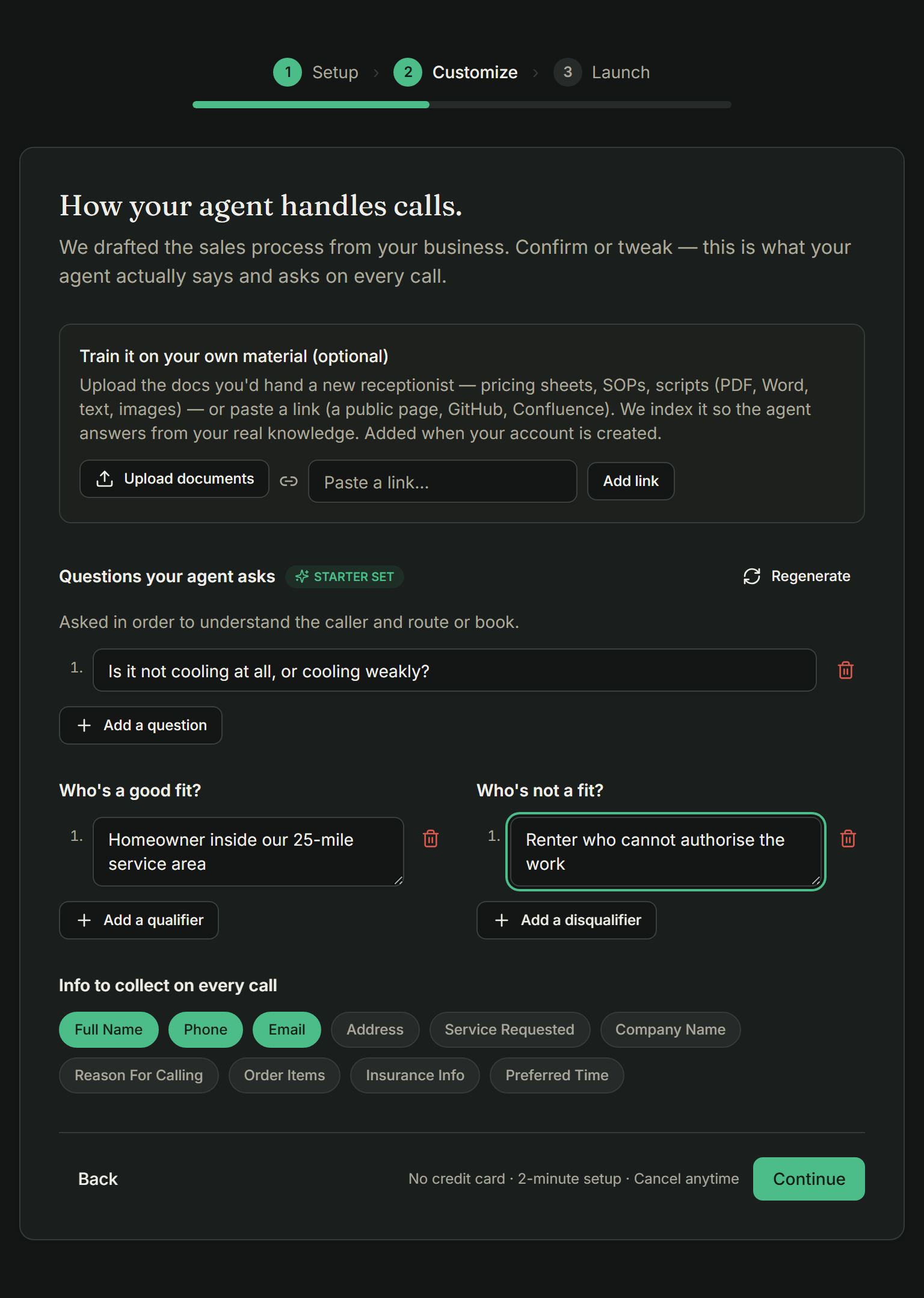
That draft covers:
- The name your receptionist introduces itself with, and its opening line
- The qualifying questions it asks, in order
- Who counts as a good fit, and who doesn't
- The details it collects on every call
- Answers to the objections your trade hears most
- When to hand a caller to a person, and on what number
- Topics it should stay away from
- How to handle the price question
- Notes on tone
A draft, not a decision
Which layer does a change belong in?
- A price, an hour, a service
- Layer 1. Business Config → Services, Hours, or Profile.
- A question customers keep asking
- Layer 1. Add an FAQ.
- It asked the wrong things, or in a bad order
- Layer 2. Call Behavior.
- It should have escalated and didn't
- Layer 2. Tighten the handoff rules.
- It sounded too formal, or too chatty
- Layer 2. Tone notes.
- It needs to quote from a long document
- Layer 3. Upload the file to the knowledge base.
Same problem, two different layers
“It quoted $89 when we charge $95.” Layer 1. The number lives in Services and it’s out of date.
“It gave the price before asking what the job was.” Layer 2. The price is right; the order of the conversation isn’t.
It only knows what you tell it
This is the whole design, and it’s worth understanding because it explains most of the behaviour you’ll see.
Ask it something covered by one of the three layers and you get a specific, confident answer. Ask it something that isn’t in any of them and it says a person will follow up, then takes their details. It won’t improvise a price or invent a policy.
That can feel cautious at first. It’s the behaviour you want the day a customer asks about something you’d never have thought to write down.
They can, and it’s the most common cause of a fix that doesn’t stick. A price in Services and a different one in an uploaded price list will produce inconsistent answers. When you change a number, change it everywhere it appears.
No, and that’s deliberate. Nothing changes what your receptionist says except you editing it. A system that quietly rewrote itself from conversations would be impossible to trust with your prices.