Playbook
Losing Leads Online? 7 SEO and AEO Problems We Find on Contractor Websites (and How to Fix Each)
CaughtLeads · CaughtLeads · November 10, 2026
Contractors who are hard to find online are rarely missing one big thing. They have a few small leaks. Here are the seven we check first, what each one looks like, why it costs you calls, and how to fix it.
Leads leak before the phone rings
You do good work. Customers who find you tend to come back. But the phone is not ringing the way it should, and you are not sure why.
Usually it is not one big problem. It is a handful of small leaks between the moment someone searches and the moment your phone rings. Each one can cost you calls. Together they add up.
Here are the seven we check first, in the order a customer runs into them. For each one: what it looks like, why it costs you, and the fix.
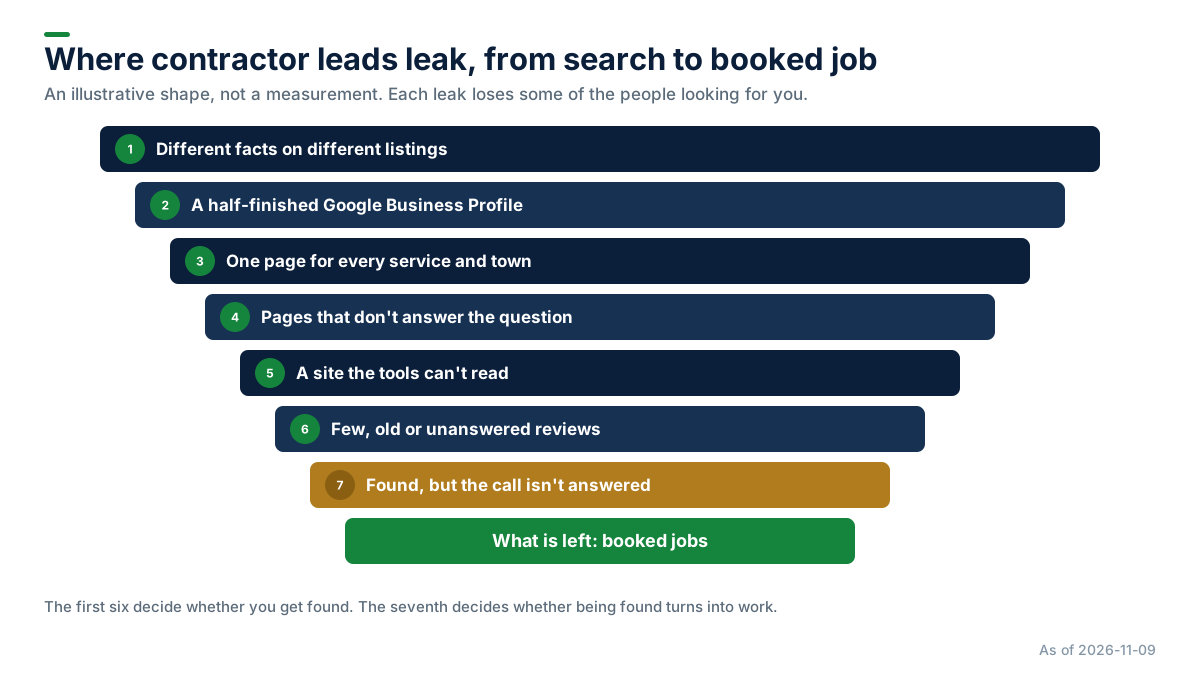
1. Different facts on different listings
What it looks like. Your Google profile has your new number. Yelp has the old one. The BBB still shows the address you moved out of years ago.
Why it costs you. A customer who dials the old number reaches nobody. And conflicting details can confuse Google and AI tools as well as customers.
The fix. Write one master record: business name, address, phone number, hours, website and services. Put that exact version everywhere you are listed, and remove the duplicates.
2. A half-finished Google Business Profile
What it looks like. One category, no services listed, no hours, a few old photos and no description.
Why it costs you. Your profile is often the first thing a customer sees. Google says businesses with complete and accurate information are more likely to show up in local search results. A thin profile gives it less to work with.
The fix. Pick the right main category and add the others that fit. List every service, set real hours (including emergency hours, if you offer them), write a plain description, and add real photos of your trucks and your work.
3. One page for everything
What it looks like. A single "Services" page that lists AC repair, furnace installs, duct cleaning and water heaters in one paragraph. No page for any town.
Why it costs you. When someone searches for furnace replacement in Gilbert, a page about exactly that gives Google and AI tools something specific to match and quote. A list of ten services gives them nothing to point to.
The fix. A page for each main service, and a page for each town you really serve, with real detail: what the job involves, what affects the price, how soon you can come out. Don't copy one page and swap the town name: Google's spam rules treat copied city pages as doorway pages, and they read as thin to people too.
4. Pages that don't answer the question
What it looks like. Pages full of "quality service" and "customer satisfaction" but no answers. Do you take emergency calls? Which brands do you work on? Do you charge to come out? Which towns do you cover?
Why it costs you. AI tools answer questions. If your site does not answer them, the tool may quote someone else's. And a customer who can't find the answer may just call the next shop.
The fix. List the questions your callers ask. Your call log is the best source, and we show how to mine it in your best blog topics are sitting in your phone calls. Put each question as a heading and answer it plainly, up front. That helps the reader first, and gives any tool a clear answer to quote.
5. A site the tools can't read
What it looks like. A settings file (called robots.txt) or a firewall rule that blocks crawlers. A "noindex" tag left over from when the site was built. Your phone number and service area inside an image.
Why it costs you. If Google or an AI tool can't read a page, it can't show it or quote it. This leak is silent, because the site looks fine to you.
The fix. Check robots.txt and your firewall settings, look in Google Search Console for pages that are not indexed, and put key facts in plain text. While you are there, add structured data that matches your listings; it helps Google show richer results. This is often quick work for whoever built your site.
6. Few, old or unanswered reviews
What it looks like. A dozen reviews, the newest from last spring, none with a reply.
Why it costs you. Reviews are one of the things Google weighs for local results, and AI tools read what customers say about you. Customers notice too when the newest review is a year old.
The fix. Ask every customer, every time, without filtering out the unhappy ones. Google does not allow asking only the happy ones. Reply to every review, good and bad. The details are in how to get more Google reviews.
7. Found, but the call isn't answered
What it looks like. Say you fix the first six and more people call. Some of those calls go to voicemail, because you are on a roof, under a house or on another call.
Why it costs you. This leak hurts most, because you already did the work to be found. In a 2025 survey of 1,000 US consumers by CallRail, which sells call-tracking software, 42% said they leave a voicemail when a business doesn't answer, and 21% said they immediately call another business.
The fix. Get the calls answered. That is what our AI receptionist does. It answers at any hour, books the appointment into the open times you set, and shows which booked appointments actually happened. It is $49 a month including a local number, plus $0.12 a voice minute and $0.03 a text segment. See pricing, or work out what a missed call costs your shop.
Which to fix first
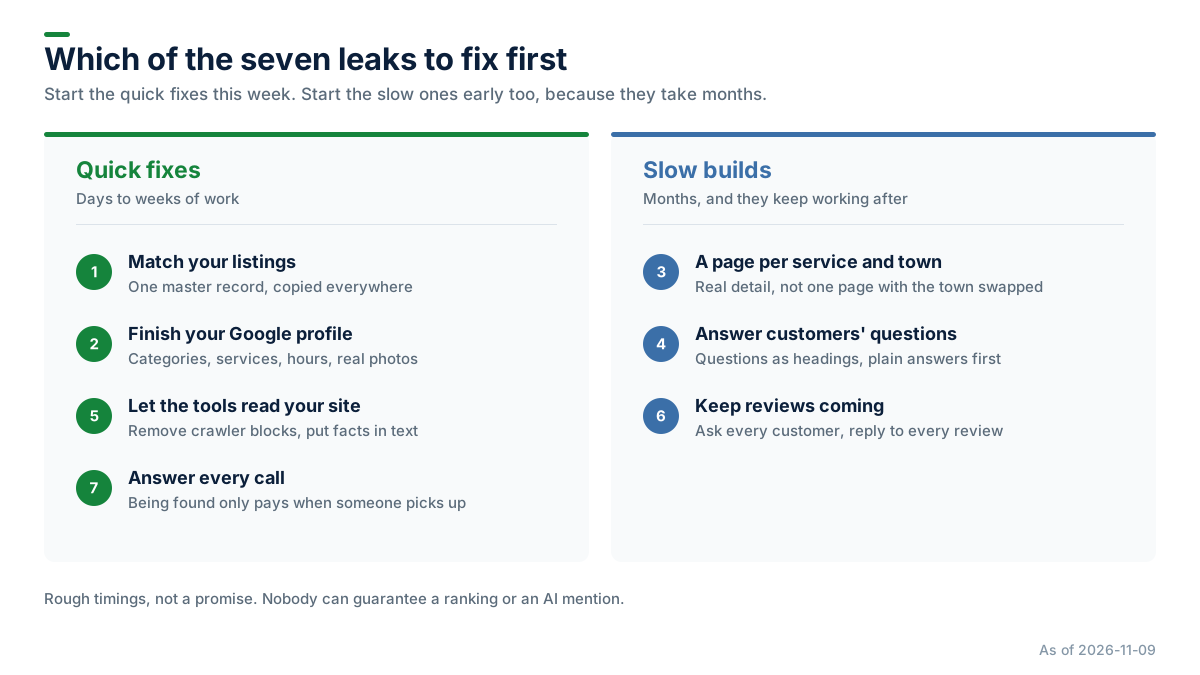
Listings, your Google profile, crawler blocks and answering the phone are quick fixes. Pages, answers and reviews are slow builds that keep working once they are done.
None of this changes things overnight, and nobody can guarantee a ranking or an AI mention. But each fix removes one reason for Google, an AI tool or a customer to pass you over.
Get a free check
We check all seven for contractors as part of our SEO and AEO work.
- Want the background first? Read what AEO is or SEO vs AEO for contractors.
- See how the service works, or read the full guide.
- Ready to see where you stand? Start with a free check.
Never miss another lead like the ones in this story
Try it free: we'll fine-tune an AI receptionist to your business, then test it on a real call.
Try it freeMore Field Notes
 Guides
SEO vs AEO for Contractors: What's the Difference, and Do You Need Both?
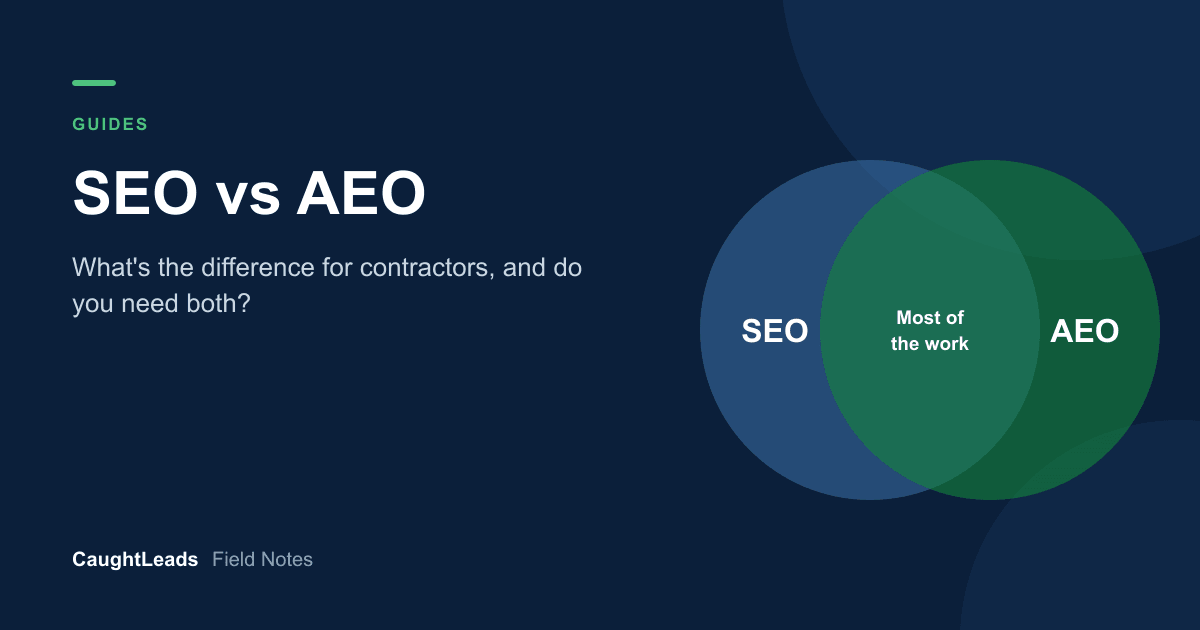
SEO gets you into Google's results and map box. AEO helps AI assistants name you when a homeowner asks who to call. Most of the work is the same. Here is where they differ, where each one shows up, and how long each takes.
 Guides
What Is AEO? Why ChatGPT Doesn't Name Your Contracting Business (and What You Can Do About It)
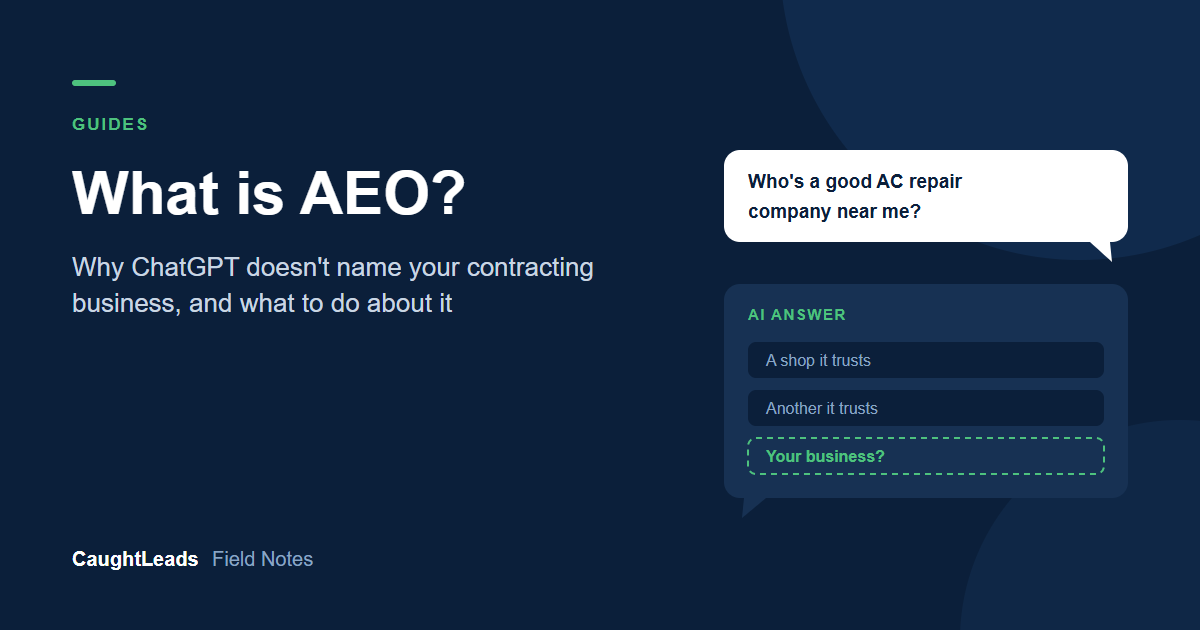
Some homeowners now ask an AI assistant who to call instead of scrolling Google. AEO is the work that helps those tools find you, trust your facts and name you. Here is how they pick, why you may be missing, and what to fix first.
 Guides
HVAC Lead Generation: Why More Leads Won't Fix Your Problem
Struggling to find leads for your HVAC business? Most contractors already have more than they think. Here is where they go, and how to catch the ones you already have.